

A maioria dos proprietários trata a chave inteligente do BYD Seal da mesma forma todos os dias: pressiona destravar, entra, pressiona iniciar. Na realidade, o sistema de chave por trás desses dois passos é um dos mais capazes da sua categoria — e a maior parte dele permanece desconhecida.
Esse potencial não utilizado tem custos reais. O recurso que abaixa todos os vidros em um dia quente, o cartão que dá partida no carro quando a bateria do controle descarrega, e a configuração do aplicativo que permite que familiares dirijam sem uma chave física já estão instalados no seu carro. Não conhecê-los significa sentar-se em uma cabine abafada, pagar por uma simples troca de bateria, ou ficar parado do lado de fora de um veículo trancado sem ideia de como entrar de volta.
O sistema de chave inteligente do BYD Seal oferece seis maneiras de trancar, destravar e dar partida no veículo: o controle eletrônico, uma chave mecânica oculta, o cartão-chave NFC, uma chave digital NFC no celular ou smartwatch, uma chave digital Bluetooth através do BYD App, e o travamento automático ao se afastar. Este guia percorre cada uma delas, explica as configurações que as controlam, e cobre a bateria e os procedimentos de emergência que todo proprietário deveria conhecer.
Como funciona o sistema de chave inteligente do BYD Seal
O Seal trata as chaves como opções em vez de um único dispositivo. Você pode misturar e combinar: carregar o controle para uso diário, manter o cartão na carteira como backup, e compartilhar uma chave de celular com familiares sem nunca entregar o hardware.
| Método de acesso | O que ele faz | Melhor usado para |
|---|---|---|
| Controle eletrônico inteligente | Trancar, destravar, abrir o porta-malas, partida remota | Uso diário |
| Chave mecânica (dentro do controle) | Destravamento manual da porta quando a bateria do controle descarrega | Acesso de emergência |
| Cartão-chave NFC | Toque no espelho para trancar/destravar, toque no porta-objetos para dar partida | Backup na carteira, não precisa de bateria |
| Chave digital NFC | Celular ou smartwatch toca nos mesmos pontos NFC | Deixar o controle em casa |
| Chave digital Bluetooth | O BYD App conecta quando você se aproxima | Controle remoto e compartilhamento de chave |
| Travamento automático ao se afastar | O carro se tranca sozinho quando a chave sai do alcance | Segurança sem usar as mãos |
A disponibilidade de cada método pode variar ligeiramente por mercado e versão, então consulte o manual do proprietário para o seu veículo específico. Tudo abaixo segue a configuração padrão do Seal.
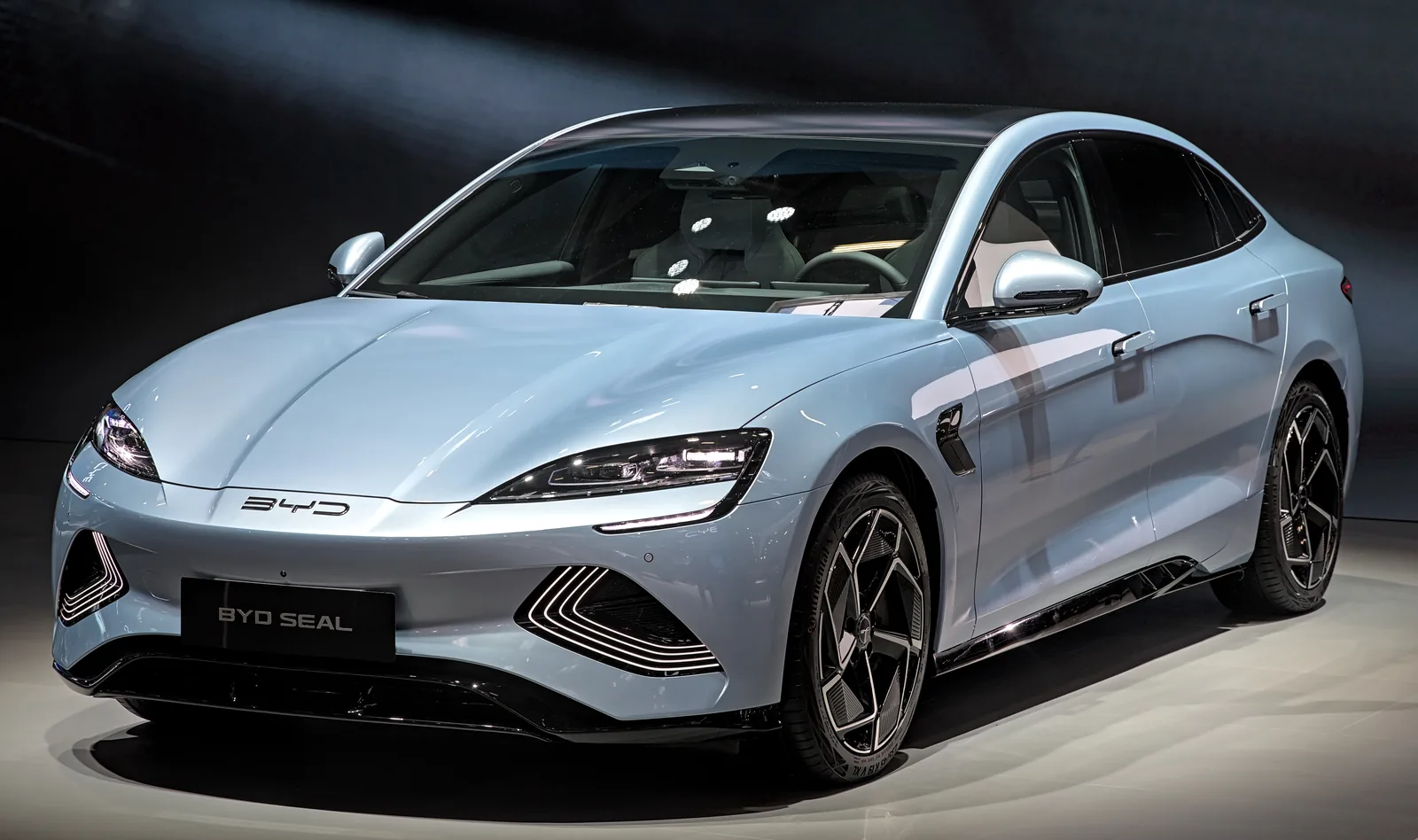
Foto: Alexander-93 / Wikimedia Commons (CC BY-SA 4.0)
O controle inteligente: cada botão explicado
O controle eletrônico inteligente parece simples, mas cada botão faz mais do que o rótulo sugere.
Trancar, destravar e porta-malas
Pressione o botão de trancar uma vez para trancar todas as portas — os piscas piscam para confirmar. Pressione o botão de destravar para destravar todas as portas. Pressione e segure o botão do porta-malas para abrir o porta-malas remotamente, o que é útil quando suas mãos estão cheias de sacolas de compras.
O controle também tem um pequeno LED indicador que pisca quando o veículo recebe seu comando. Se ele não piscar, o pressionamento não foi registrado — geralmente por causa da distância ou de uma bateria fraca.
Partida remota
O botão de partida/parada remota não precisa que a chave esteja dentro do carro. Pressione e segure por cerca de dois segundos e o veículo dá partida remotamente; os piscas piscam três vezes para confirmar. Este é o recurso a usar em manhãs congelantes ou tardes quentes para aquecer ou resfriar a cabine antes de você entrar. A disponibilidade pode depender do mercado e da versão, e o veículo exige condições válidas, como as portas estarem fechadas.
O truque do microinterruptor da maçaneta
Você na verdade não precisa pressionar nenhum botão do controle para abrir o carro. Enquanto carrega a chave inteligente, pressione o microinterruptor na maçaneta da porta dianteira esquerda ou direita e as portas destravam; pressione novamente após fechar e as portas trancam. Esta é a maneira mais rápida de entrar e sair quando a chave está no seu bolso ou bolsa.
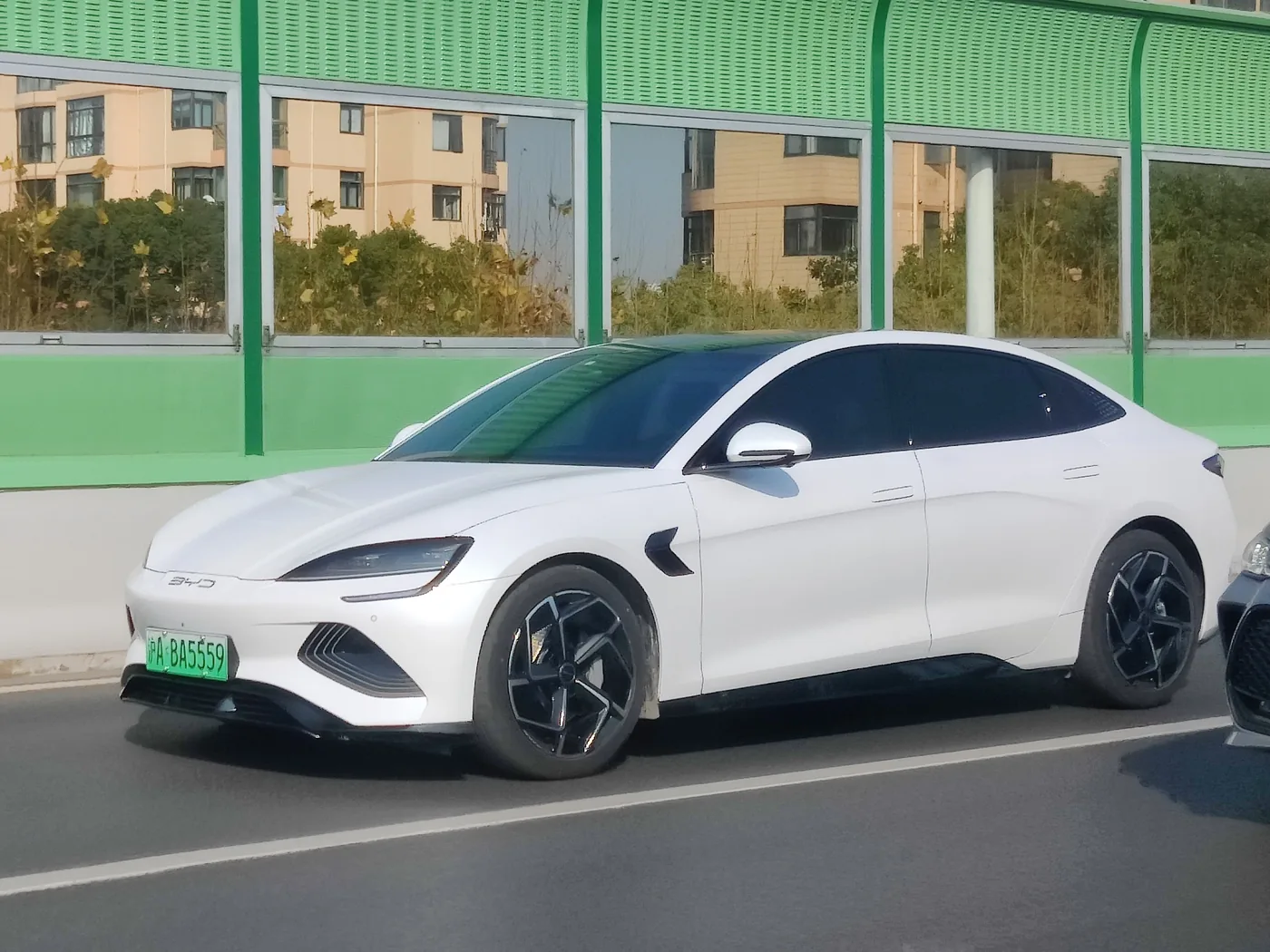
Foto: Evnerd / Wikimedia Commons (CC BY-SA 4.0)
Controle remoto dos vidros: ventilação com um toque
Um dos truques mais úteis do controle também é um dos menos conhecidos. Com a ignição desligada, pressione e segure o botão de destravar e todos os quatro vidros abaixam ao mesmo tempo. Em um dia quente, isso ventila o calor preso na cabine antes de você abrir a porta.
Pressione e segure o botão de trancar e todos os quatro vidros fecham juntos. Essa é a rede de segurança para o momento em que você percebe que um vidro ficou aberto depois de se afastar.
Ambas as funções podem ser ativadas ou desativadas na tela de infoentretenimento em Configurações do Veículo → Vidros e Travas. Se os vidros não se movem quando você segura os botões, esta é a primeira configuração a verificar.
Travamento automático ao se afastar e a sequência antifurto
O Seal pode se trancar sozinho sem nenhum pressionamento de botão. Ative o travamento automático ao se afastar nas configurações da tela sensível ao toque, e o carro tranca automaticamente quando detecta que a chave inteligente saiu do alcance.
O sistema de segurança adiciona uma segunda camada depois disso. Cerca de 30 segundos após trancar, o alarme antifurto é armado. E se você destravar o carro mas não abrir nenhuma porta dentro de 30 segundos, as portas se trancam novamente e o sistema se rearma sozinho — uma proteção silenciosa contra se afastar após um destravamento acidental.
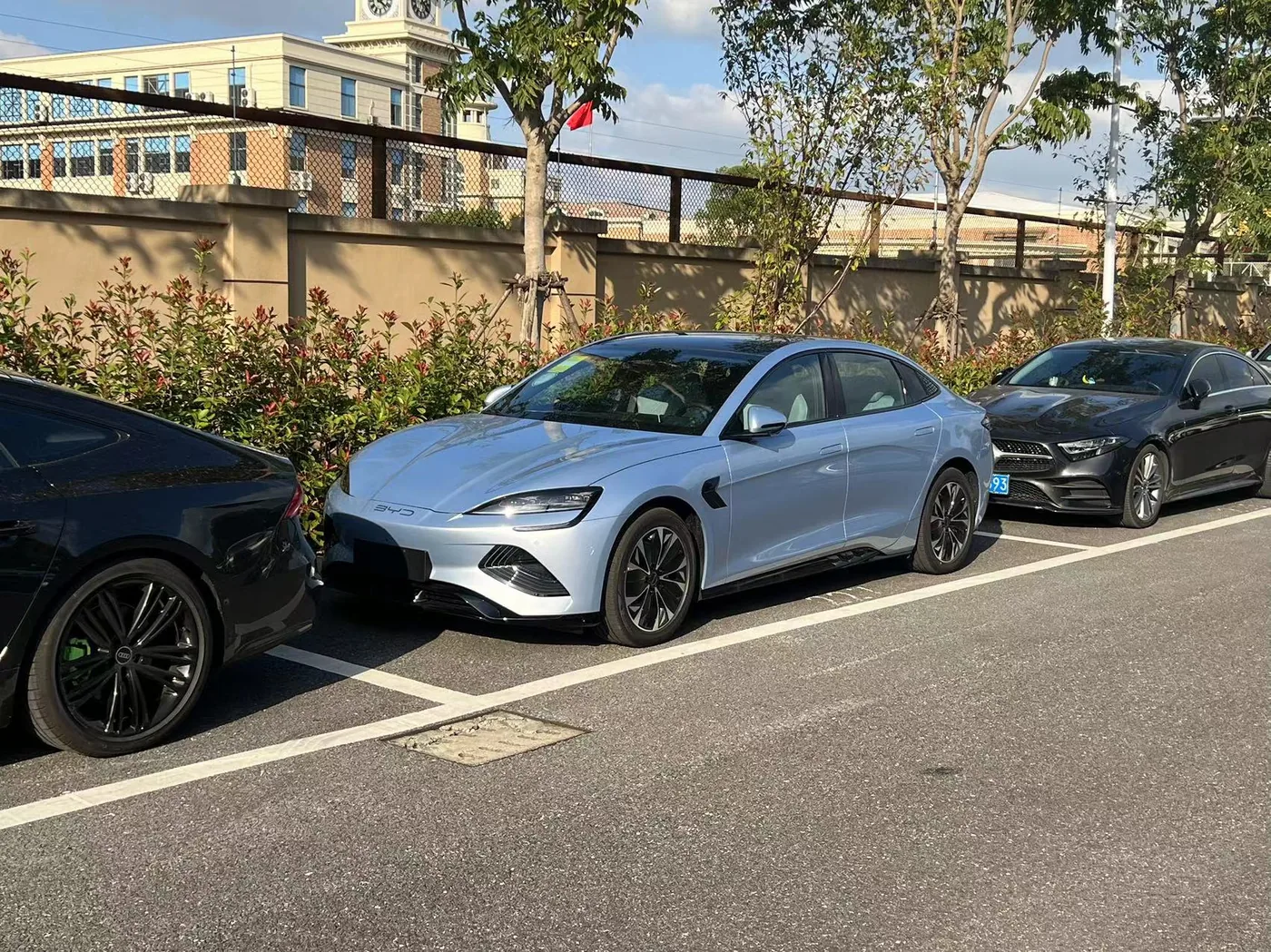
Foto: Woshifongge2006 / Wikimedia Commons (CC BY-SA 4.0)
Cartão-chave NFC: o backup sem bateria
O cartão-chave NFC do Seal é uma chave do tamanho de um cartão de crédito que nunca precisa ser carregada. Ele funciona no mesmo sistema de curto alcance que os pagamentos por aproximação, o que significa que não tem bateria interna para descarregar.
Como usá-lo
- Trancar ou destrancar: coloque o cartão sobre a marca NFC no espelho retrovisor do lado do motorista.
- Dar partida no carro: coloque o cartão sobre a área NFC na frente do porta-trecos, depois dê a partida normalmente.
- A distância de leitura é de apenas 1–2 cm, então o cartão deve tocar ou ficar bem próximo da área marcada.
O que evitar
O manual do proprietário é claro sobre dois erros. Primeiro, não deixe o cartão NFC sobre o carregador sem fio enquanto o carregamento estiver ativo — o campo de carregamento pode interferir no cartão. Segundo, não prenda objetos metálicos como chaveiros ou capas de celular metálicas ao cartão, porque o metal bloqueia o sinal eletromagnético e o veículo pode não lê-lo.
Guardar o cartão em um compartimento de carteira longe de outros cartões com chip é a rotina mais segura.
Chave digital Bluetooth: seu celular como chave
O App BYD pode transformar seu smartphone em uma chave digital Bluetooth. Depois de configurado, o carro reconhece o celular como uma chave autorizada e se conecta conforme você se aproxima.
Configuração inicial
- Baixe o App BYD e registre sua conta.
- Certifique-se de que o Bluetooth esteja ativado no celular.
- Abra o app perto do veículo para que o celular e o carro se emparelhem automaticamente, ou conecte manualmente pela página de gerenciamento de chaves do app.
- Siga as instruções na tela para autorizar a chave do celular.
Após a configuração inicial, a chave Bluetooth funciona mesmo sem conexão com a internet. Dois limites práticos a saber: em ambientes densos de veículos, como estacionamentos de vários andares, o alcance do Bluetooth pode diminuir e a conexão pode demorar um pouco mais; e um pequeno número de modelos de celular tem restrições de compatibilidade, então o app avisará antes de você concluir a configuração.
Compartilhamento da chave digital
A partir da versão 2.8 do app, lançada em julho de 2025, a BYD adicionou compartilhamento de veículo sem chave para o Seal e outros modelos, incluindo Atto 3, Dolphin, Sealion 6 e 7, e Shark 6. Até cinco usuários confiáveis podem ser autorizados pelo app, cada um passando por um breve fluxo de aprovação de cinco etapas. É assim que um cônjuge, um adolescente ou um motorista particular obtém acesso para dirigir sem uma chave física — e como o proprietário pode revogar esse acesso remotamente depois.
Chave digital NFC: celular e smartwatch
O Seal também suporta uma chave digital NFC em smartphones compatíveis e, em mercados suportados, no Apple Watch. Em vez de uma conexão Bluetooth, a antena NFC do celular realiza as mesmas ações de aproximação que o cartão:
- Aproxime a antena NFC do celular da marca no espelho retrovisor do lado do motorista para trancar ou destrancar.
- Coloque-o sobre a área NFC na frente do porta-trecos para autorizar a partida.
- Dê a partida logo após a permissão NFC ser concedida. Se o carro não responder imediatamente, aproxime novamente da área do espelho.
Você pode ativar a chave digital NFC pela página de gerenciamento de chaves digitais do App BYD, ou na tela de infoentretenimento em Configurações do Veículo → Vidro e Trava → Gerenciamento de Chave Digital. Algumas regiões também permitem ativá-la diretamente pela tela sensível ao toque do veículo com uma chave física válida dentro dele.
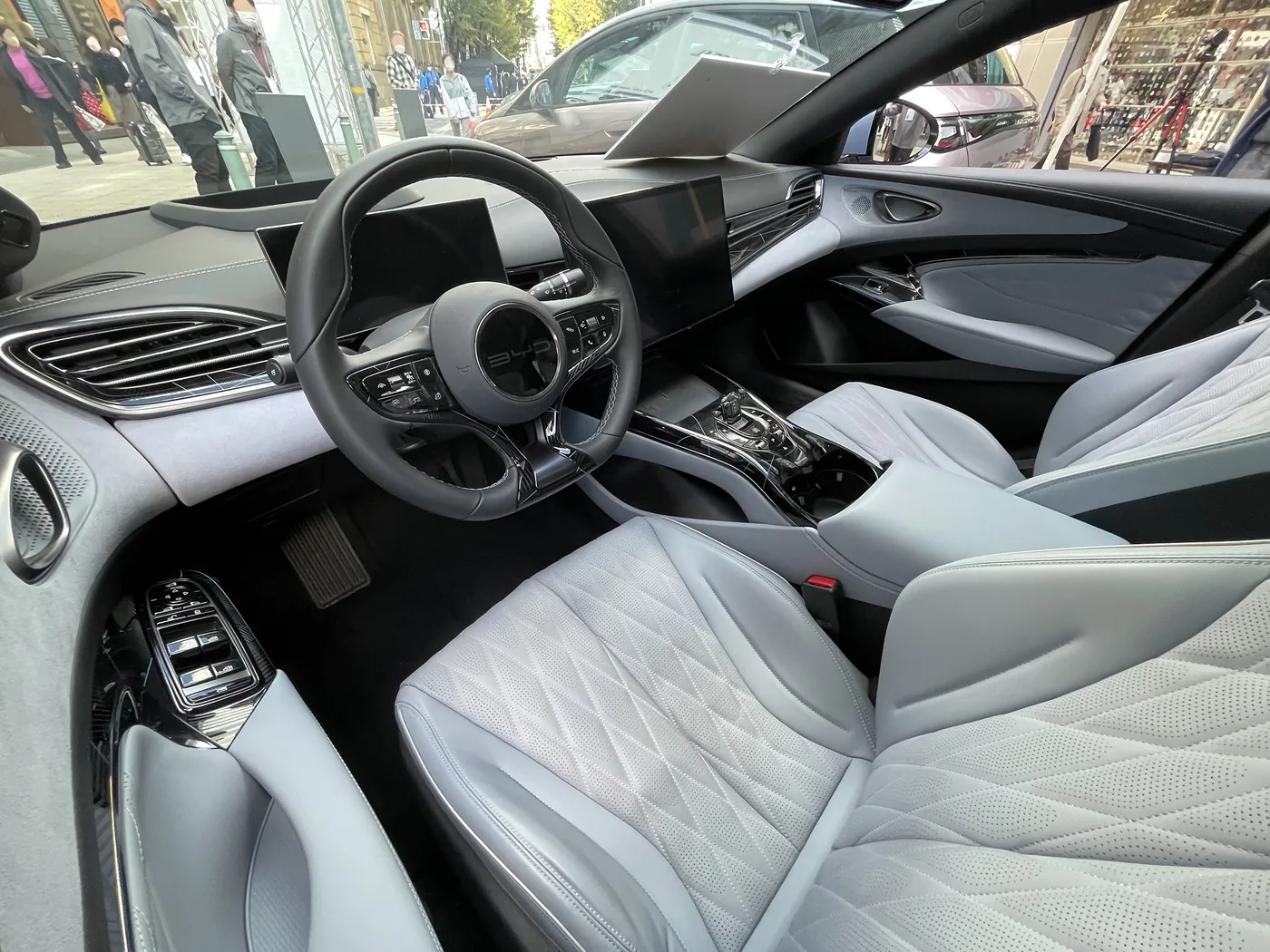
Foto: Tokumeigakarinoaoshima / Wikimedia Commons (CC BY-SA 4.0)
Bateria da chave inteligente: sinais de aviso e substituição
O controle remoto usa uma bateria de célula tipo botão CR2032. A vida útil da bateria depende do uso, mas o carro avisa antes que o controle remoto falhe completamente. Sinais comuns incluem um aviso de bateria fraca no painel de instrumentos, alcance remoto menor e respostas inconsistentes ao pressionar os botões.
Como substituí-la
- Deslize o botão de trava no controle remoto para liberar a tampa traseira.
- Remova a chave mecânica armazenada dentro.
- Troque a bateria antiga por uma CR2032 nova, com o lado positivo (+) voltado para cima.
- Reinsira a chave mecânica e encaixe a tampa de volta no lugar.
Mantenha baterias de célula tipo botão sobressalentes fora do alcance de crianças — elas são pequenas o suficiente para serem engolidas, e não são brinquedos.
Chave mecânica e partida sem energia
Mesmo um controle remoto completamente descarregado não precisa deixá-lo preso. O Seal tem um caminho de emergência completo que não usa nenhuma eletrônica.
Abrir a porta manualmente
A chave mecânica oculta fica dentro do controle remoto. Para acessar a fechadura, empurre o lado esquerdo da maçaneta oculta da porta para revelar o buraco da fechadura. Insira a chave mecânica e gire-a no sentido anti-horário para destrancar, ou no sentido horário para trancar. Mantenha a chave mecânica dentro do controle remoto o tempo todo para que ela esteja lá quando você precisar.
Dar partida com um controle remoto descarregado
Se a bateria do controle remoto estiver fraca, o carro ainda pode detectar a chave usando seu chip passivo:
- Destranque a porta do motorista com a chave mecânica.
- Sente-se no banco do motorista com o controle remoto descarregado.
- Segure o controle remoto diretamente contra o botão Start/Stop no painel.
- Pressione o pedal do freio e pressione o botão Start/Stop enquanto o controle remoto estiver tocando nele.
O botão Start/Stop contém um leitor de curto alcance que lê o chip passivo da chave sem energia da bateria. Substitua a bateria CR2032 o mais rápido possível após usar este método — o carro continuará dando partida dessa forma em uma emergência, mas é um backup, não uma solução de longo prazo.
Solução de problemas: erros que proprietários do BYD Seal cometem
A maioria dos problemas com chaves inteligentes não são falhas do carro — são hábitos. Os mais comuns:
- Nunca tentar o controle remoto dos vidros. Segurar o botão de destrancar por alguns segundos transforma o estacionamento em dias quentes.
- Deixar o cartão NFC sobre o carregador sem fio. O manual avisa que o carregador interfere no cartão.
- Guardar o controle remoto perto de celulares, notebooks ou outros dispositivos eletromagnéticos por longos períodos. Campos eletromagnéticos fortes drenam a bateria do controle remoto mais rápido.
- Não conhecer o método de partida sem energia. Leva dez segundos e pode economizar uma ida ao concessionário.
- Deixar a chave mecânica em casa. A BYD projetou o controle remoto para carregá-la, então mantenha-a dentro.
- Presumir que uma chave perdida é um conserto rápido. A substituição e o reemparelhamento passam por um concessionário autorizado BYD, então trate cada chave como valiosa.
Se o carro de repente parar de detetar o chaveiro, verifique primeiro a bateria, depois verifique se há interferência de sinal ao redor do veículo e, por fim, confirme se as funções da chave ainda estão ativadas em Definições do Veículo → Janela e Bloqueio.
Referência rápida da chave inteligente do BYD Seal
| Artigo | Detalhe |
|---|---|
| Tipos de chave fornecidos | Chaveiro inteligente, chave mecânica, cartão NFC (depende do mercado) |
| Opções de chave digital | Bluetooth (BYD App), NFC (telefone/smartwatch) |
| Bateria do chaveiro | Pilha botão CR2032 |
| Partida remota | Mantenha premido o botão start/stop durante 2 segundos |
| Janelas remotas | Mantenha premido o desbloqueio para baixar, mantenha premido o bloqueio para subir (ignição desligada) |
| Alcance do cartão NFC | 1–2 cm da marca no espelho |
| Temporizador de rebloqueio automático | 30 segundos se nenhuma porta for aberta |
| Partilha de chave digital | Até 5 utilizadores de confiança através da BYD App (v2.8+) |
| Arranque de emergência | Mantenha o chaveiro sem bateria encostado ao botão Start/Stop |
| Substituição de chave perdida | Apenas concessionário autorizado BYD |
Perguntas Frequentes
De quantas formas posso bloquear ou desbloquear um BYD Seal?
Seis, em modelos com o sistema completo: o chaveiro inteligente, a chave mecânica, o cartão de chave NFC, a chave digital NFC num telefone ou relógio, a chave digital Bluetooth através da BYD App e o bloqueio automático ao afastar-se. Nem todos os mercados ou versões incluem todas as opções, por isso consulte o manual do seu carro.
Como utilizo o cartão de chave NFC do BYD Seal?
Toque com o cartão na marca NFC no espelho do lado do condutor para bloquear ou desbloquear, e coloque-o na área NFC na frente do compartimento para arrancar o carro. Mantenha-o a 1–2 cm da superfície marcada e afastado do carregador sem fios.
Como configuro o meu telefone como chave do BYD Seal?
Instale a BYD App, ative o Bluetooth e siga as instruções de configuração da chave perto do veículo. Para o modo NFC, ative a chave digital na app ou no ecrã tátil, depois aproxime a antena NFC do telefone do espelho do condutor e da área do compartimento.
Que bateria utiliza o chaveiro do BYD Seal?
O chaveiro utiliza uma pilha botão CR2032. Deslize o botão de bloqueio do chaveiro para libertar a tampa, substitua a bateria com o lado positivo para cima e volte a colocar a tampa.
Como arranco um BYD Seal quando a bateria do chaveiro está morta?
Desbloqueie com a chave mecânica, depois mantenha o chaveiro sem bateria diretamente contra o botão Start/Stop enquanto prime o travão e prime Start. O leitor do painel deteta o chip passivo do chaveiro mesmo sem energia da bateria.
Posso partilhar a minha chave digital do BYD Seal com a família?
Sim. A partir da versão 2.8 da BYD App, o Seal suporta partilha do veículo sem chave para até cinco utilizadores de confiança. Cada pessoa aceita um convite através da app, e o proprietário pode remover o acesso a qualquer momento.
Mantenha a sua chave inteligente a funcionar da melhor forma
O sistema de chave inteligente só ajuda quando o básico está correto: uma CR2032 nova dentro do chaveiro, a chave mecânica no seu encaixe, o cartão NFC fora do carregador sem fios e o bloqueio ao afastar-se ativado. Configure uma chave de telefone como segunda camada, teste as janelas remotas uma vez num espaço seguro e ensine às pessoas que partilham o carro o truque de arranque sem energia. Esses dez minutos de configuração compensam sempre que a chave não está onde esperava.
Continue acompanhando Marvix Auto para mais guias práticos para proprietários de BYD, cobertura de lançamentos e dicas de compra.
Precisa de mais para o seu BYD Seal? Explore nossa acessórios para BYD Seal coleção. Para um acessório de chave de reposição ou outra peça que não esteja listada, entre em contato conosco com os detalhes do seu veículo e ajudaremos você a encontrar uma opção adequada.
Fontes
- Manual do Proprietário do BYD Seal — secções de chave inteligente, portas e bloqueios, arranque remoto, cartão de chave NFC e controlo de janelas.
- NZ Autocar — “BYD introduz compartilhamento de veículo sem chave por meio de atualização do aplicativo,” junho de 2025, cobrindo o compartilhamento de chave do BYD App v2.8 para o Seal.
- Documentação de imprensa e modelos do BYD Seal referenciada no manual do proprietário para a bateria do chaveiro (CR2032) e especificações NFC.
- Fotos — contribuidores da Wikimedia Commons (CC BY-SA 4.0 e CC0): Alexander-93, Calreyn88, Evnerd, Tokumeigakarinoaoshima, Woshifongge2006.

 English
 Portuguese
 French
 Turkish
 Russian
 Arabic
 Spanish